Why Most Teleprompter Software Is Built for TV and Not Live Events
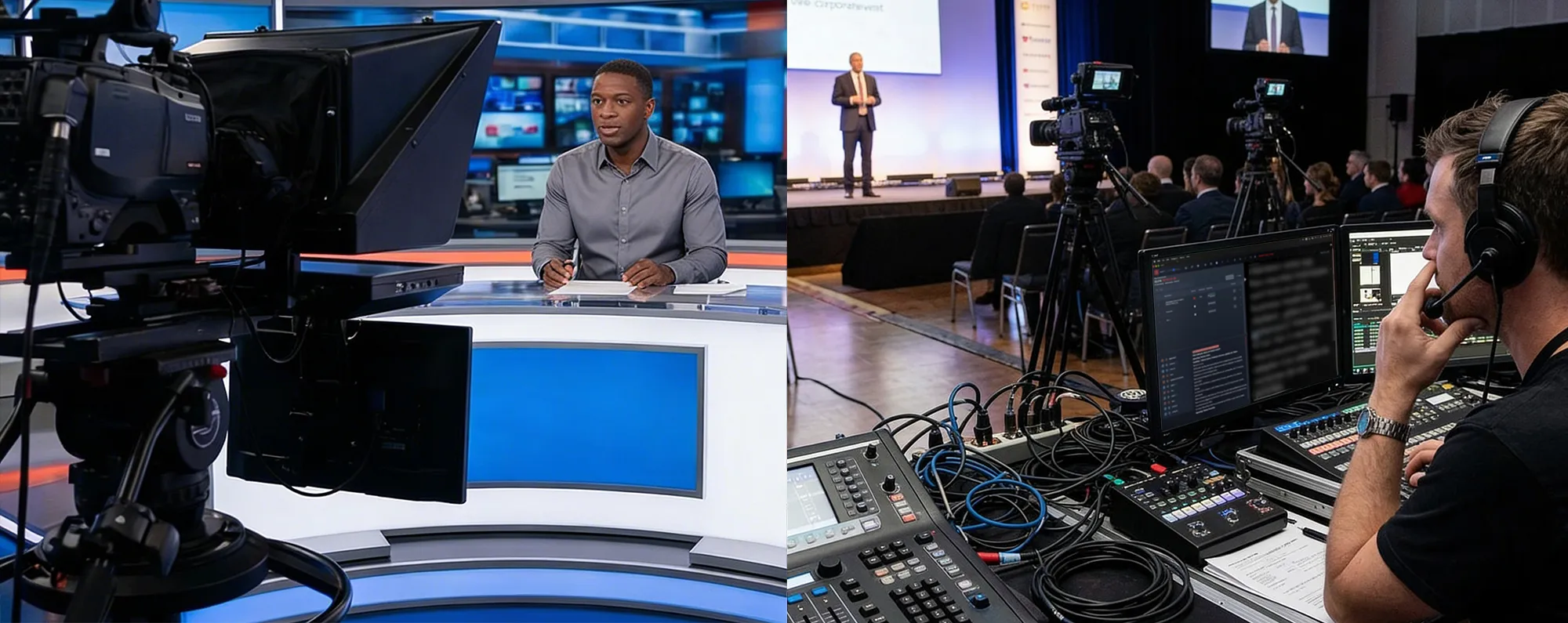
Teleprompter software matured in the broadcast television industry. The newsroom workflow is highly structured: scripts are drafted in a computer system, sent via MOS to the prompter, and read live on air. This environment is controlled, the format is repeatable, and the production hierarchy is strictly defined.
Solutions from established broadcast vendors like Autoscript and CueScript excel at their original purpose. They display text reliably, synchronize with editorial systems, and operate well within a studio ecosystem.
Taking that same software into a live corporate event, a convention, a product launch, or a multimedia stage production reveals significant limitations. These tools were simply not designed for the unpredictability of live stages.
The Studio vs. The Stage
Broadcast television uses scripts primarily as reading tools. Live events demand much more from a script. It serves multiple functions:
- A cue sheet
- A timing backbone
- A coordination document
- A safety net
- A technical trigger list
A keynote speech often involves a PowerPoint operator, a video playback system, lighting cues, sound effects, remote contributors, live streaming, and last-minute script edits. In this context, the teleprompter sits at the center of the show’s rhythm. Yet, most teleprompter software still behaves as if its only job is scrolling text at a comfortable speed.
Cue Awareness in Live Production
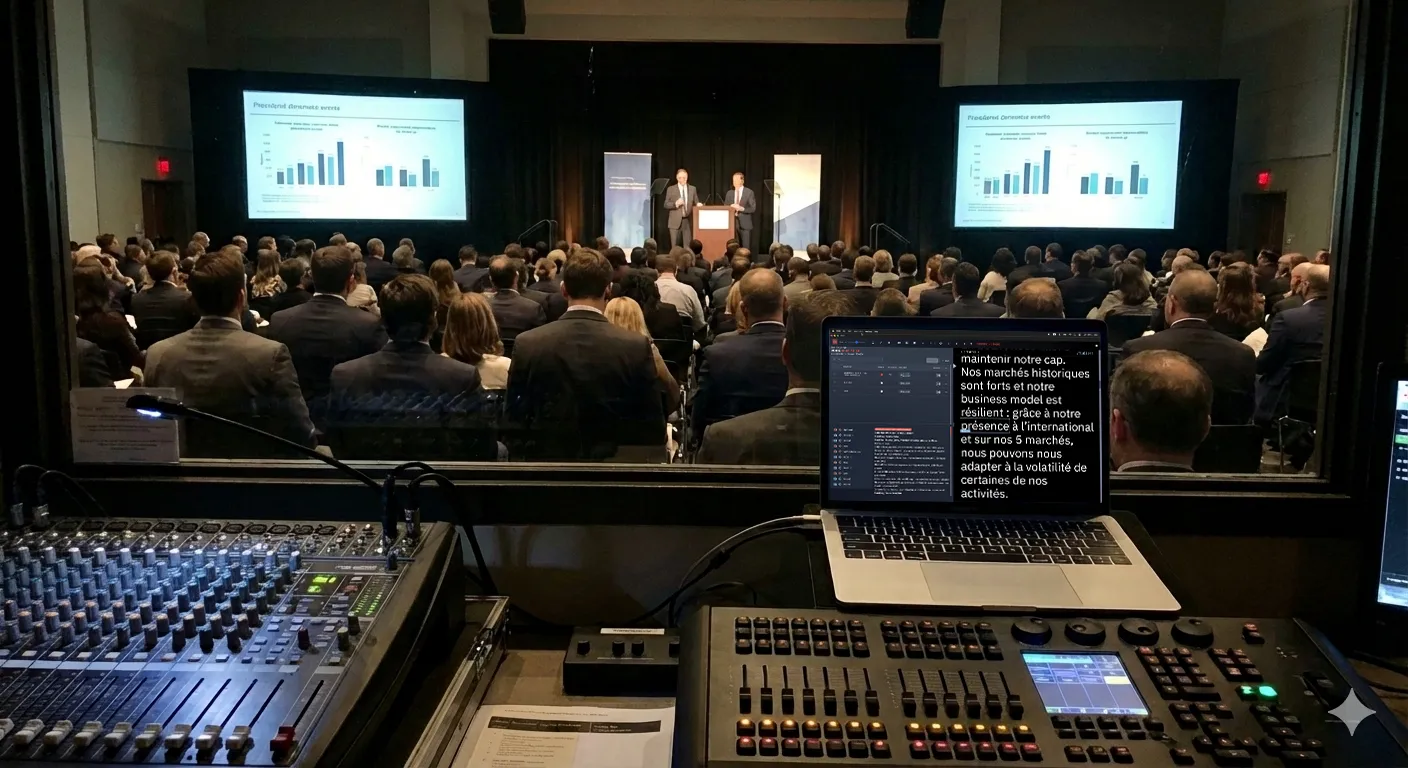
Live production often lacks support for the show caller, the person responsible for calling cues and maintaining timing. Cues are frequently managed manually through printed cue sheets, annotated scripts, stopwatch timing, and verbal coordination between operators. This manual approach leaves room for errors.
A teleprompter that understands cues changes the dynamic. The system actively tracks:
- Upcoming cues
- Cue types (slide, sound, video, lighting)
- Exact timing
- Time remaining before execution
A dedicated caller-support window displays upcoming actions, countdowns, and cue descriptions. This gives the stage manager or operator a real-time overview of upcoming events directly within the script, rather than in a separate document. The teleprompter evolves from a simple display into a central coordination hub.
Triggerable Markers
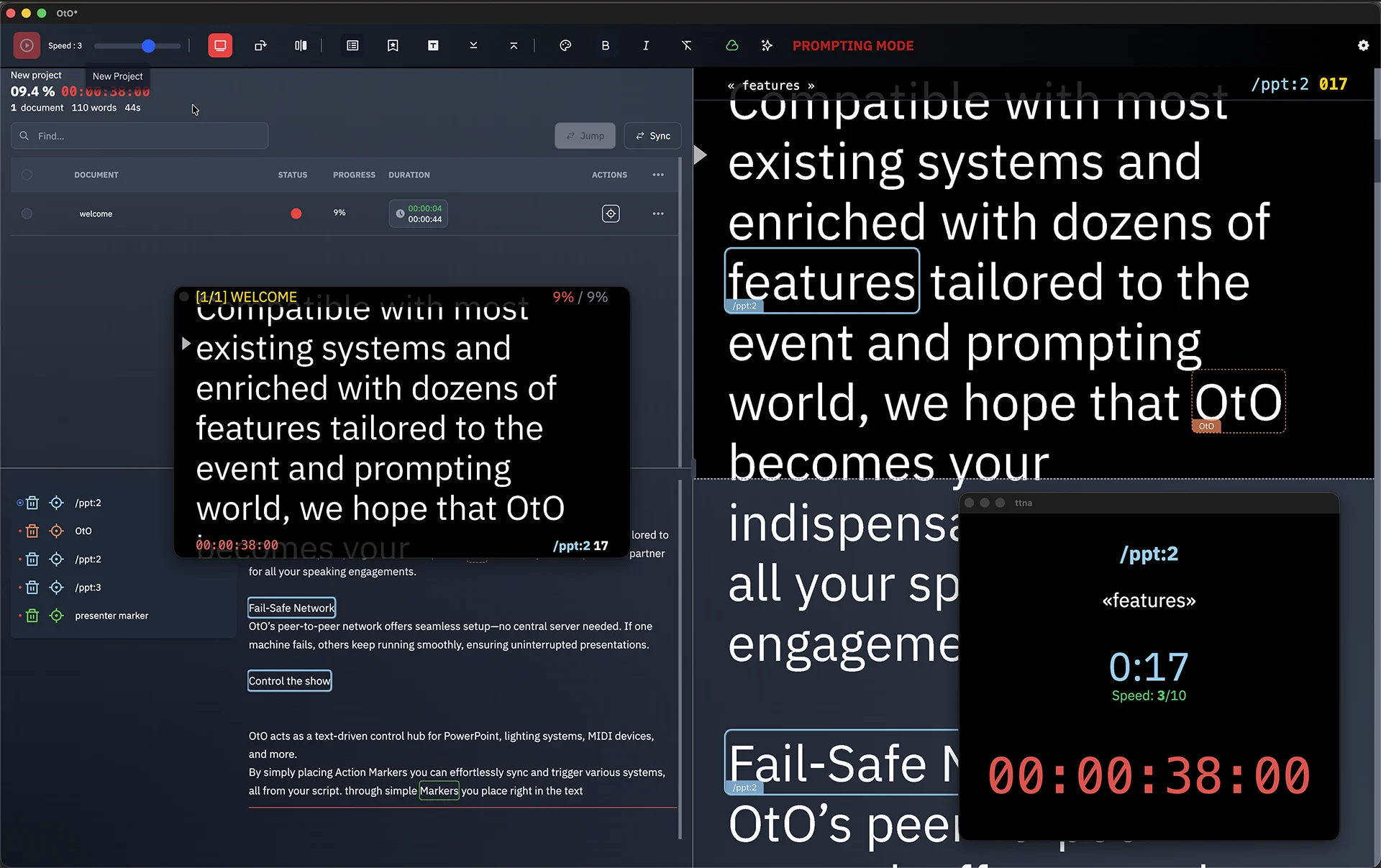
Traditional teleprompter software treats the script as static content. Embedding triggerable markers in the text allows the script to actively control the environment:
- Launch a PowerPoint slide
- Fire an OSC cue to QLab to playback a sound for example
- Send a MIDI signal
- Trigger a video via HTTP
- Control lighting
These markers remain hidden from the speaker while being fully functional for the technical team. This method provides redundancy and clarity alongside the technical crew.
PowerPoint Integration
A common concern is whether triggering slides from the script removes the PowerPoint operator from the loop. In practice, a hybrid approach offers more flexibility. PowerPoint can run on the same machine as the teleprompter or on a separate operator’s machine. Slides can be triggered from the script, manually by the operator, or monitored via a companion application.
With a companion viewer like OtOSlides, the slide operator sees exactly where the script is and which slide corresponds to each section. This shared visibility ensures everyone understands the current progression. In smaller setups or rehearsals, a single operator can manage the teleprompter, slides, and basic media cues. The goal is to reduce friction and increase reliability during the show.
A Fluid Production Philosophy
Broadcast teleprompting prioritizes stability and editorial synchronization. Live events require elasticity. Speakers improvise, slides are reordered minutes before going live, videos are shortened, and lighting changes based on the room’s energy. The script must conduct the event, not just provide reading material.
A teleprompter built for events must understand cues, expose timing, support redundancy, and integrate with open protocols like OSC, MIDI, and HTTP. This hybrid approach supports broadcast standards like MOS and newsroom workflows while adapting to more fluid environments.
Impact on Speakers
When the script drives slides and media, pacing becomes tighter and transitions feel intentional. Technical delays are reduced, which increases the speaker’s confidence. Speakers know the script directly drives the technical execution, making the page itself the coordination layer.
Evolving the Teleprompter
Live production tools are converging. Show control software handles cues, presentation software handles slides, and teleprompters handle text. In many live contexts, the script is already the central spine of the event. Building software around this reality changes the workflow entirely.
Teleprompter software was originally built for television. Live events require a system that orchestrates the show through text, offering a new perspective on teleprompting.